6. Settings
6.1 Game Management
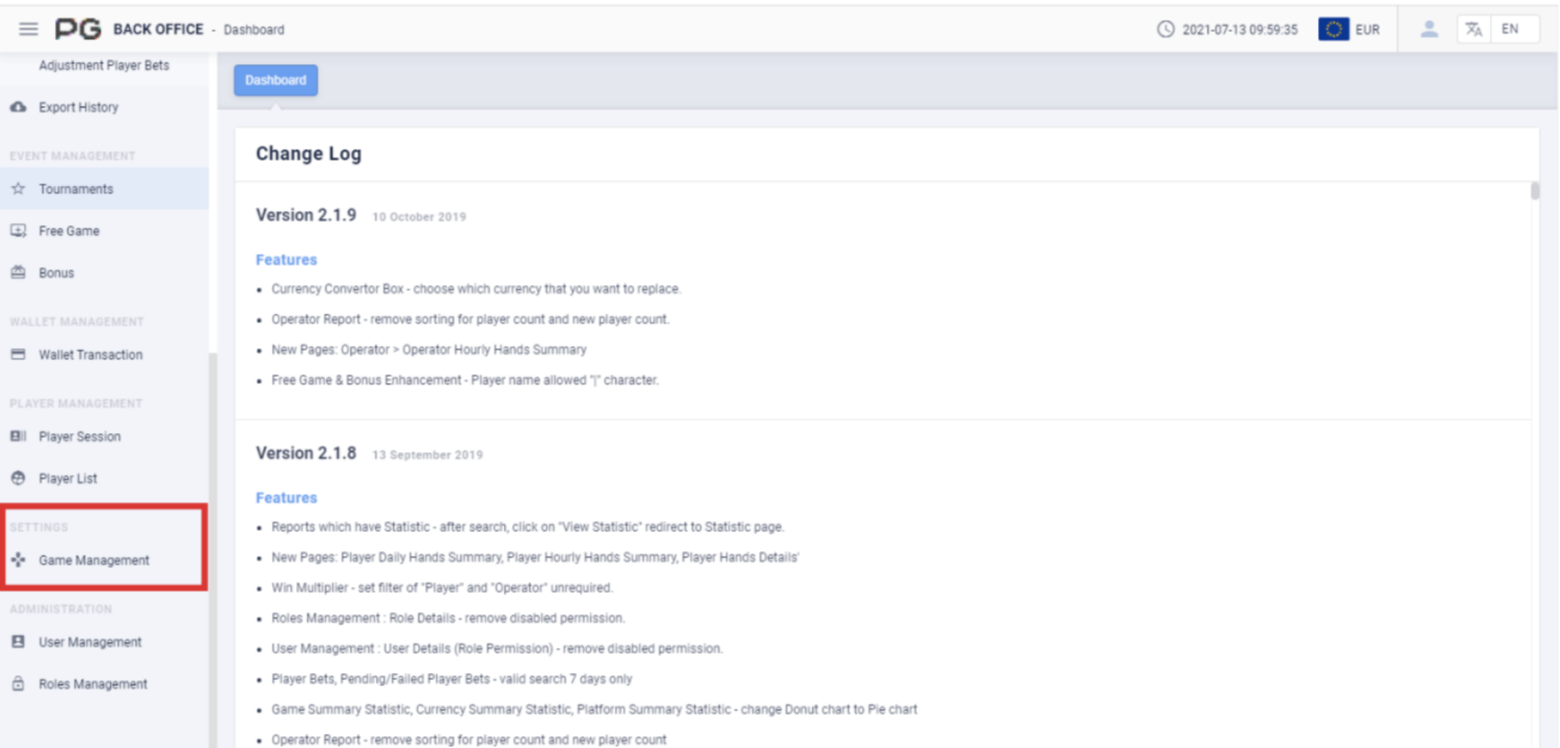
Users can use Settings to check the data of Game Management. Click on “Game
Management” to open the game management page. A new tab will be opened
beside the Dashboard tab. Click on the X symbol to close the tab. Each tab can be
closed separately.
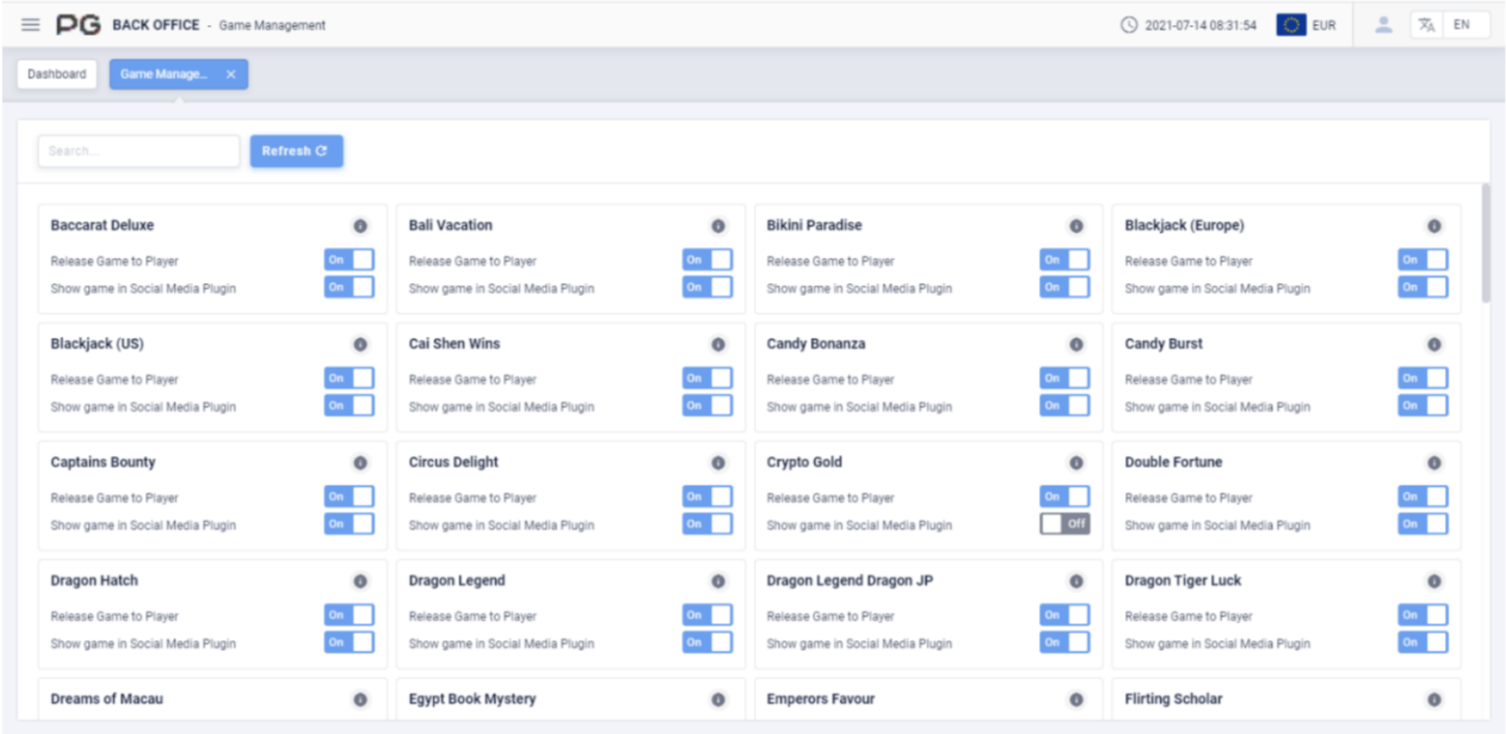
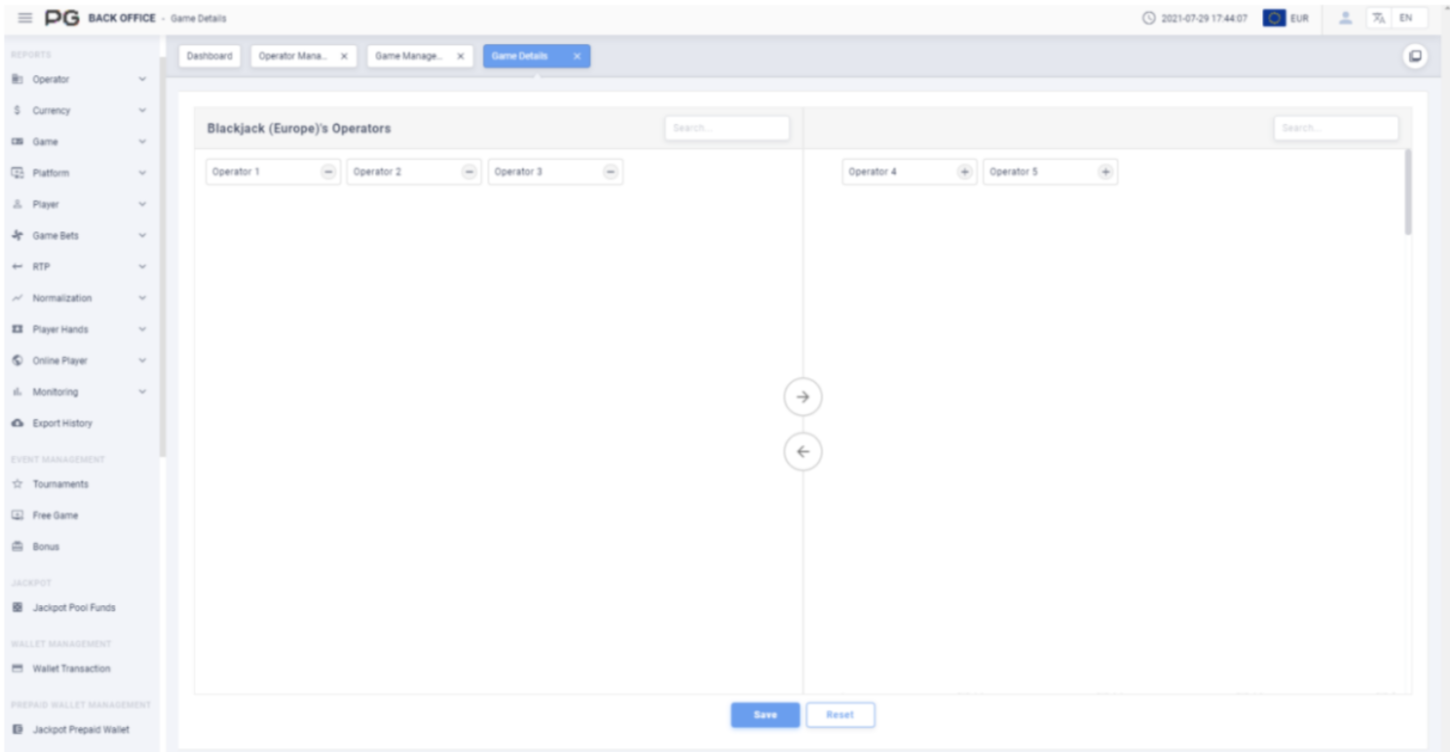
Users can use this report to edit the game settings. Click on the icon to assign games under the operator. After entering the Game Details page, users can use the Search bar to quickly search for an operator.