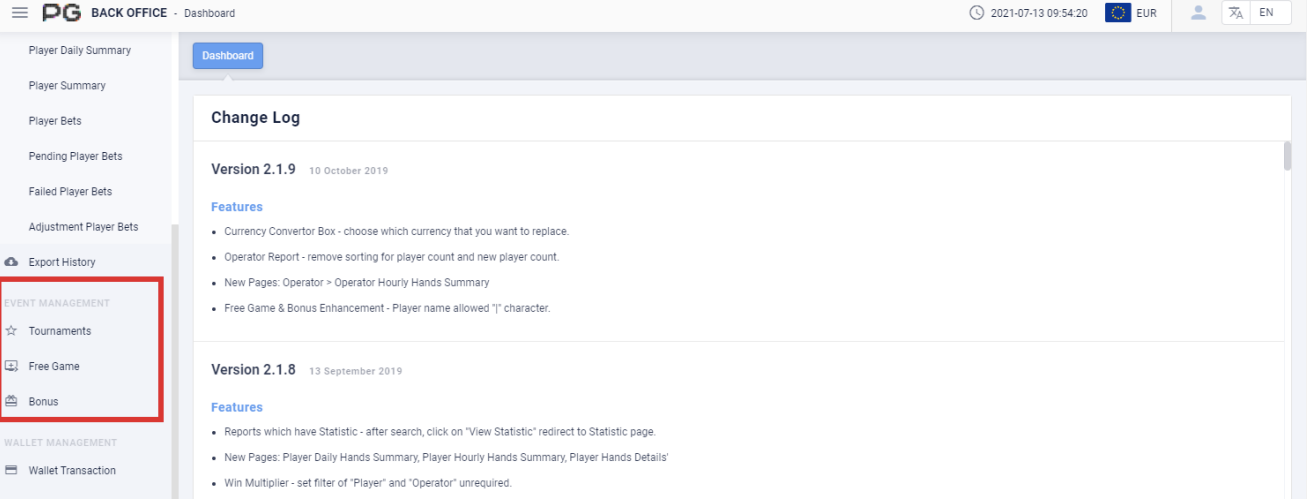
3. Event Management
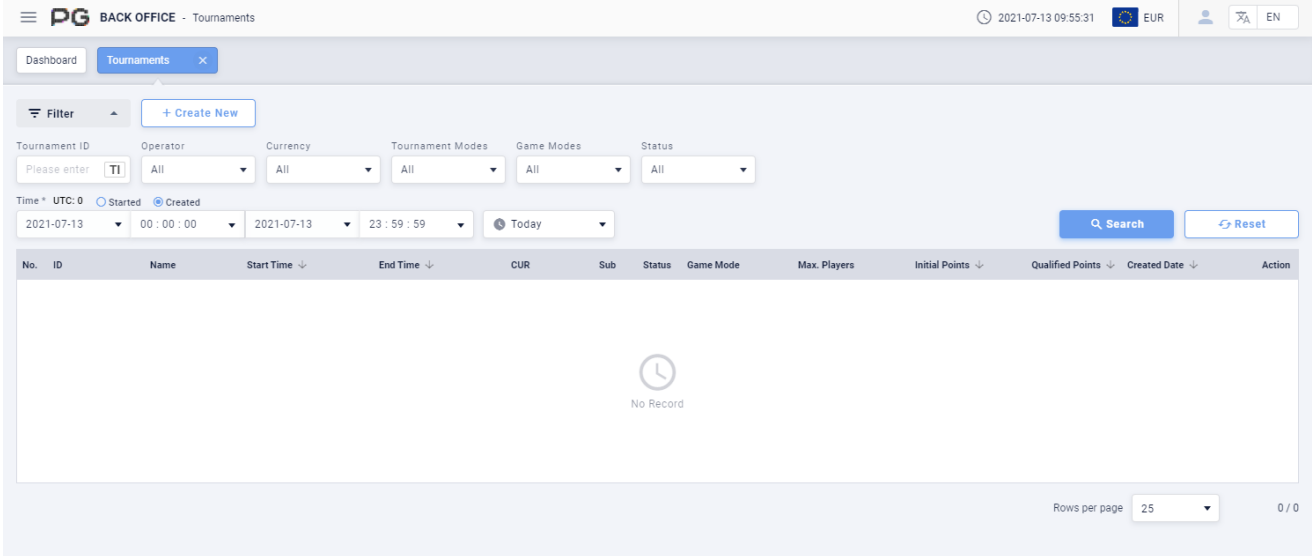
3.1 Tournaments
Users can use Event Management to check the data of Tournament, Free Game and Bonus. Click on “Tournament” to open the tournament page. A new tab will be opened beside the Dashboard tab. Click on the X symbol to close the tab. Each tab can be closed separately.
For more details regarding this section, please refer to Tournament Instruction Manual v2.1.1 and Free Game & Bonus Instruction Manual v2.0.
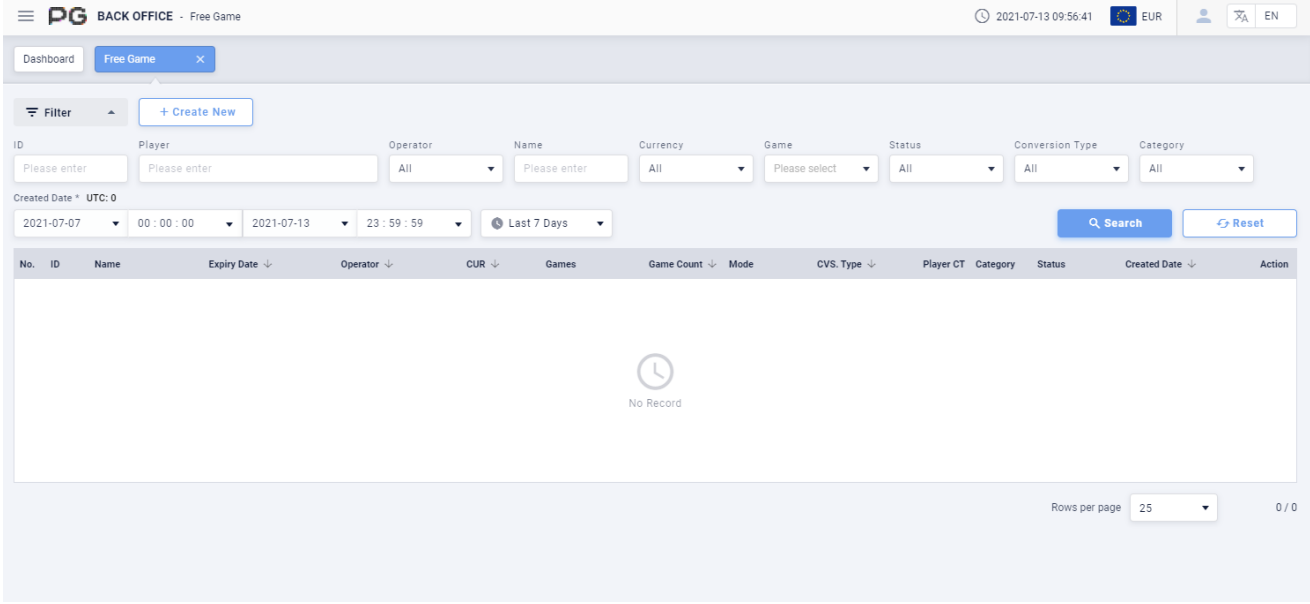
3.2 Free Game
Users can click on “Free Game” to open the free game page. A new tab will be opened beside the Dashboard tab. Click on the X symbol to close the tab. Each tab can be closed separately.
For more details regarding this section, please refer to Tournament Instruction Manual v2.1.1 and Free Game & Bonus Instruction Manual v2.0.
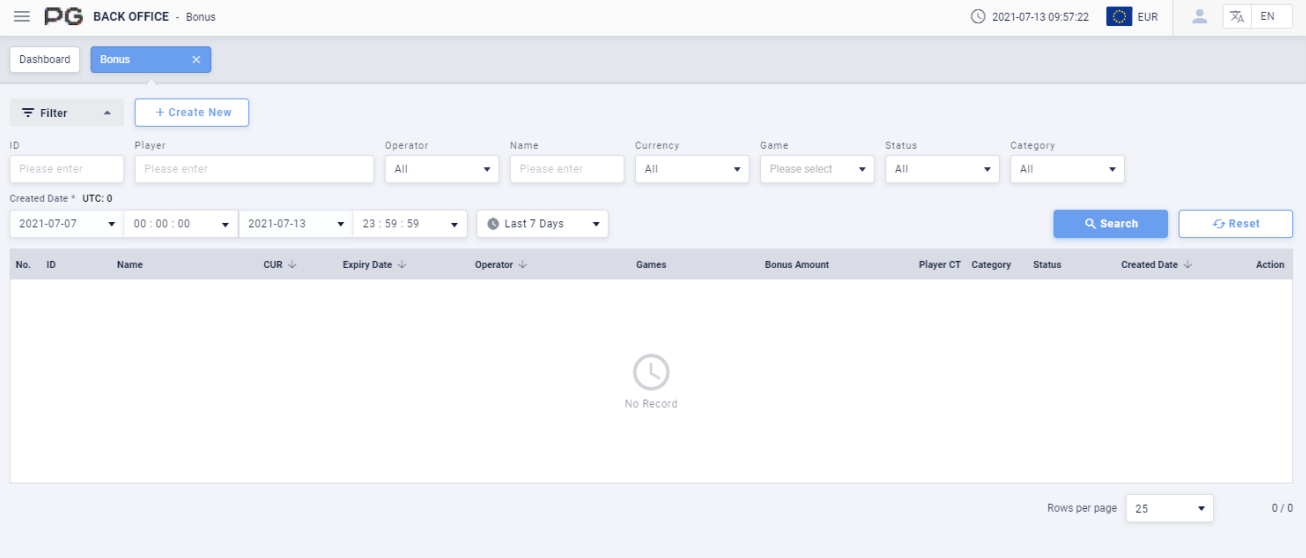
3.3 Bonus
Users can click on “Bonus” to open the bonus page. A new tab will be opened beside the Dashboard tab. Click on the X symbol to close the tab. Each tab can be closed separately.
For more details regarding this section, please refer to Tournament Instruction Manual v2.1.1 and Free Game & Bonus Instruction Manual v2.0.